
Equipment workspace
The Equipment workspace keeps a register of the company’s owned and hired equipment, records how much each machine is used on projects, and shows what that equipment is costing.
Open it from: Sidebar → Equipment
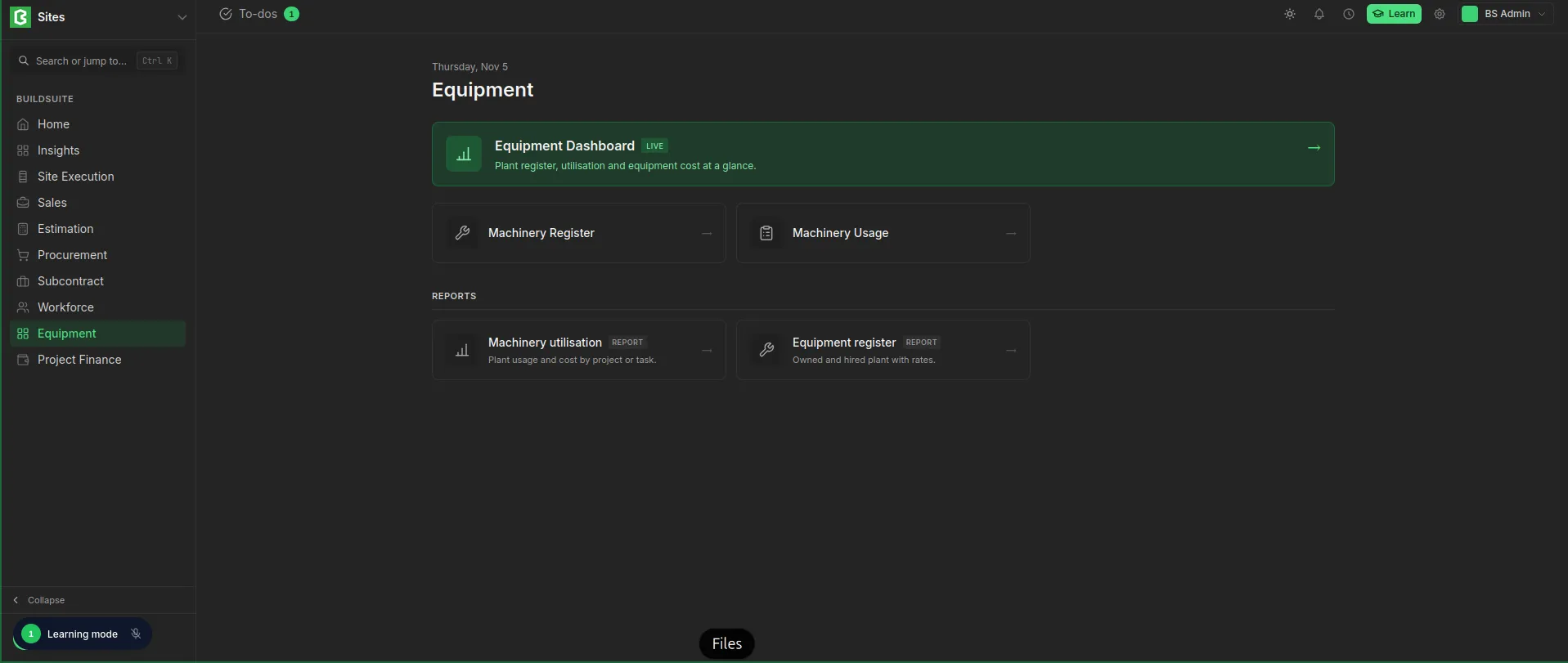 Equipment Workspace
What’s in the workspace
| Link | What it opens |
|---|---|
| Equipment Dashboard | A live summary of the register, recent usage and equipment cost |
| Machinery Register | The list of all equipment, with ownership and rates |
| Machinery Usage | Entries that record a machine’s use on a project |
Reports
| Report | What it shows |
|---|---|
| Machinery utilisation | Equipment usage and cost by project or task |
| Equipment register | Owned and hired equipment with their rates |
Note: You see only the links, reports and figures your role has permission for. See Roles and permissions.
How it works
- Add the machine. Enter each machine in the Machinery Register with its ownership (Owned or Hired) and its rate, for example ₹1,200 per day.
- Record usage. Each time a machine works on site, create a Machinery Usage entry for the project, and the task if known, with the quantity used and any fuel cost.
- Track the cost. Each entry’s cost is counted in the project’s equipment cost, on the dashboard and in the Machinery utilisation report.
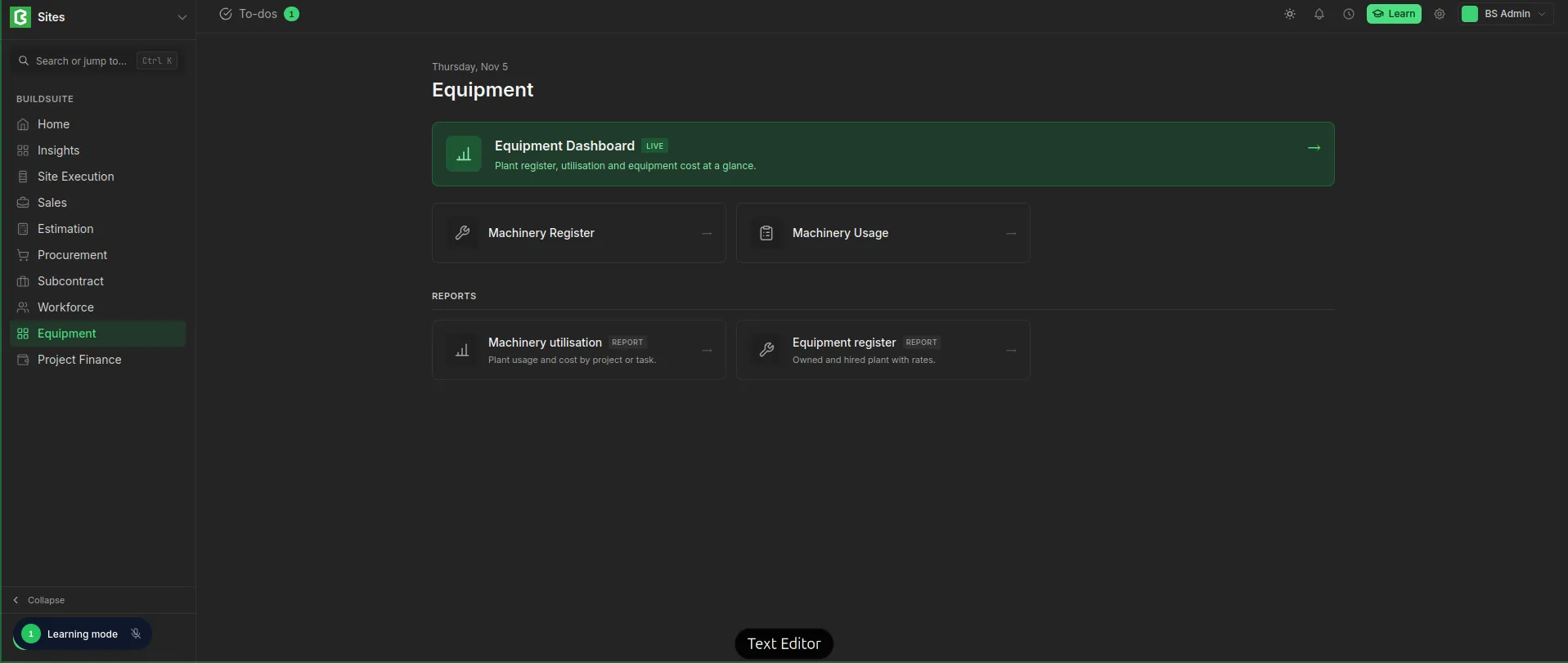 Equipment Workspace
Equipment Dashboard
The dashboard shows the register and usage at a glance. It updates as entries are saved.
Summary cards
| Card | What it shows |
|---|---|
| Machines | Number of machines in the register |
| Owned | Machines owned by the company |
| Hired | Machines on hire from suppliers |
| Equipment Cost | Total cost of all usage entries (usage plus fuel) |
Recent usage
The latest usage entries, each showing the machine, project, date, quantity used and cost. Click View all to open Machinery Usage.
Register
The machines in the register, each showing its status (Active or Inactive), type, ownership and rate, for example ₹4,500/Day. Click View all to open the Machinery Register.
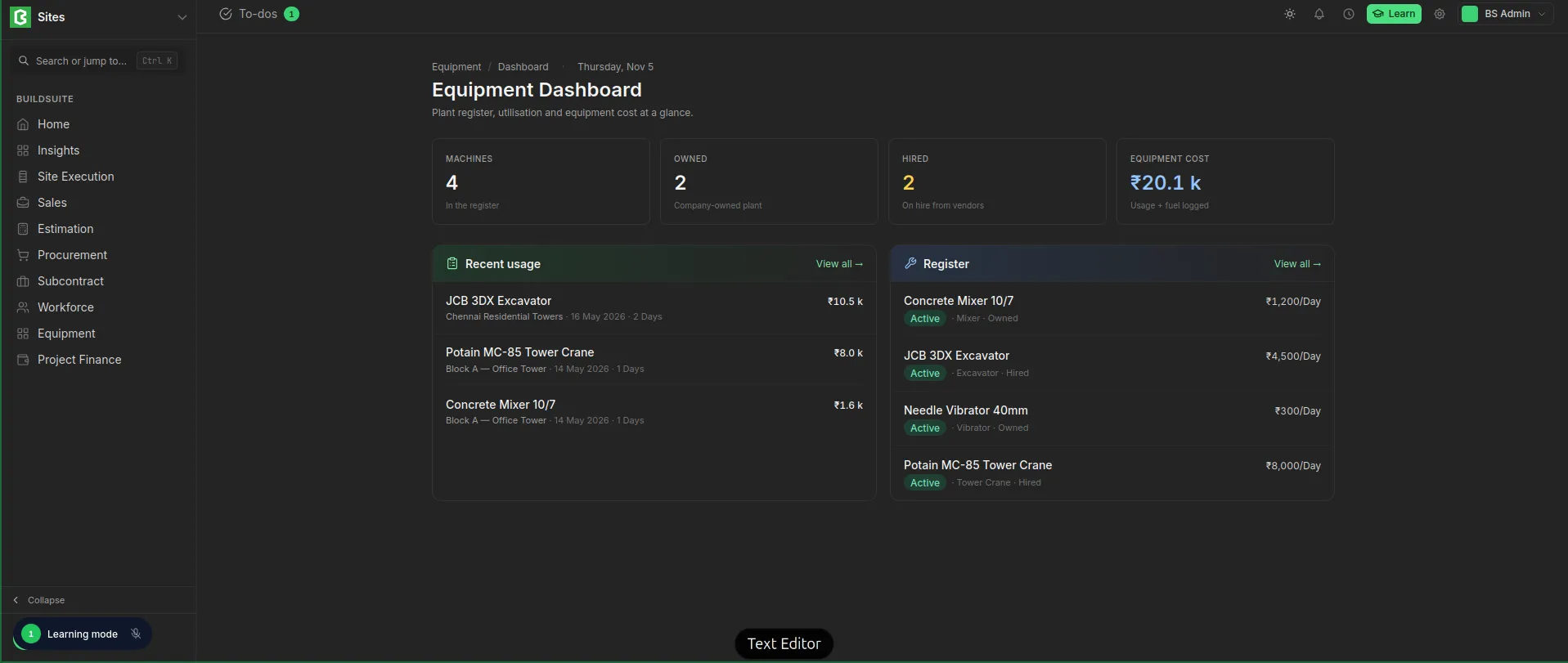 Equipment Dashboard