
The register lists the equipment that can be used on projects.
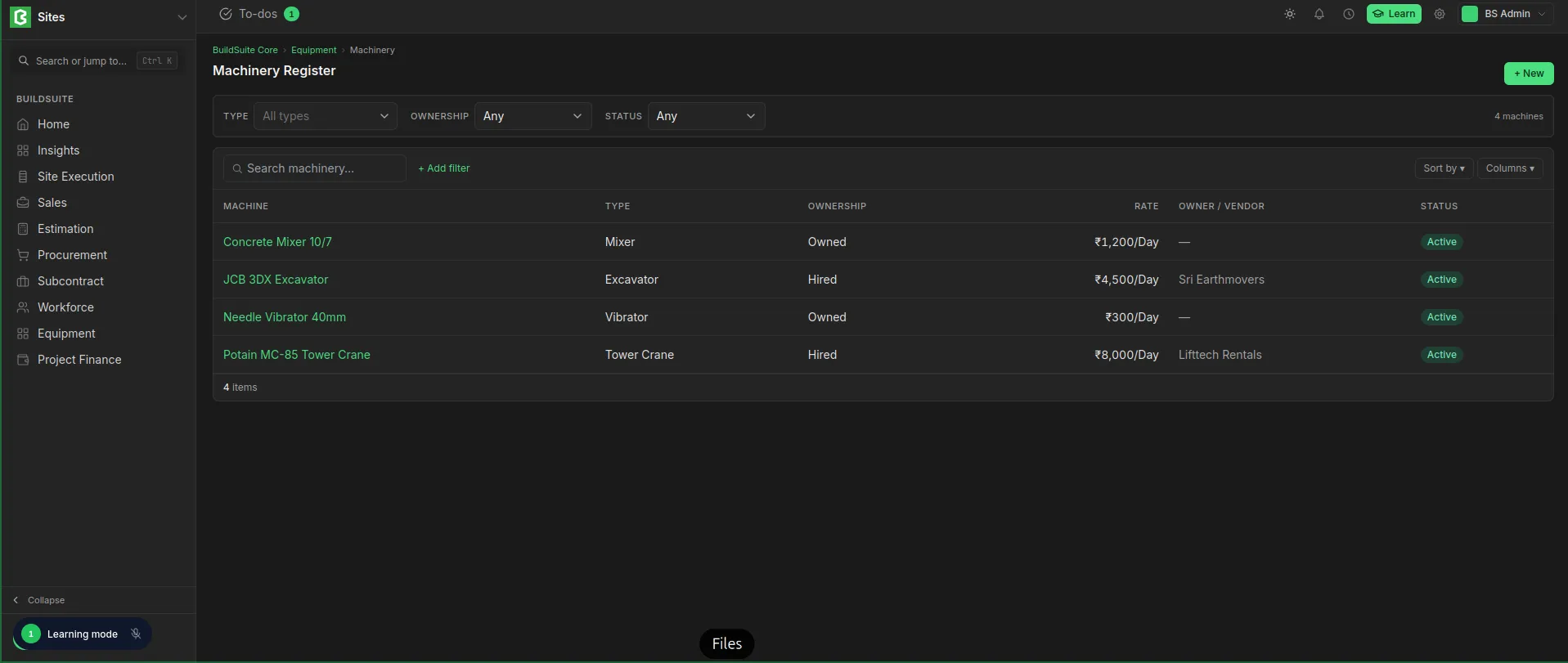 Register List
| Field | Notes |
|---|---|
| Name | e.g. JCB 3DX Excavator, Concrete Mixer |
| Type | e.g. Excavator |
| Ownership | Owned / Hired |
| Owner / Vendor | The hire company, for hired machinery |
| Rate | Cost per unit of use, e.g. ₹1,000 per Day. Used for both owned and hired machinery. |
| Company | The company the machinery belongs to |
| Linked asset (ERPNext) | The matching ERPNext Asset, if any |
| Status | Active / Inactive |
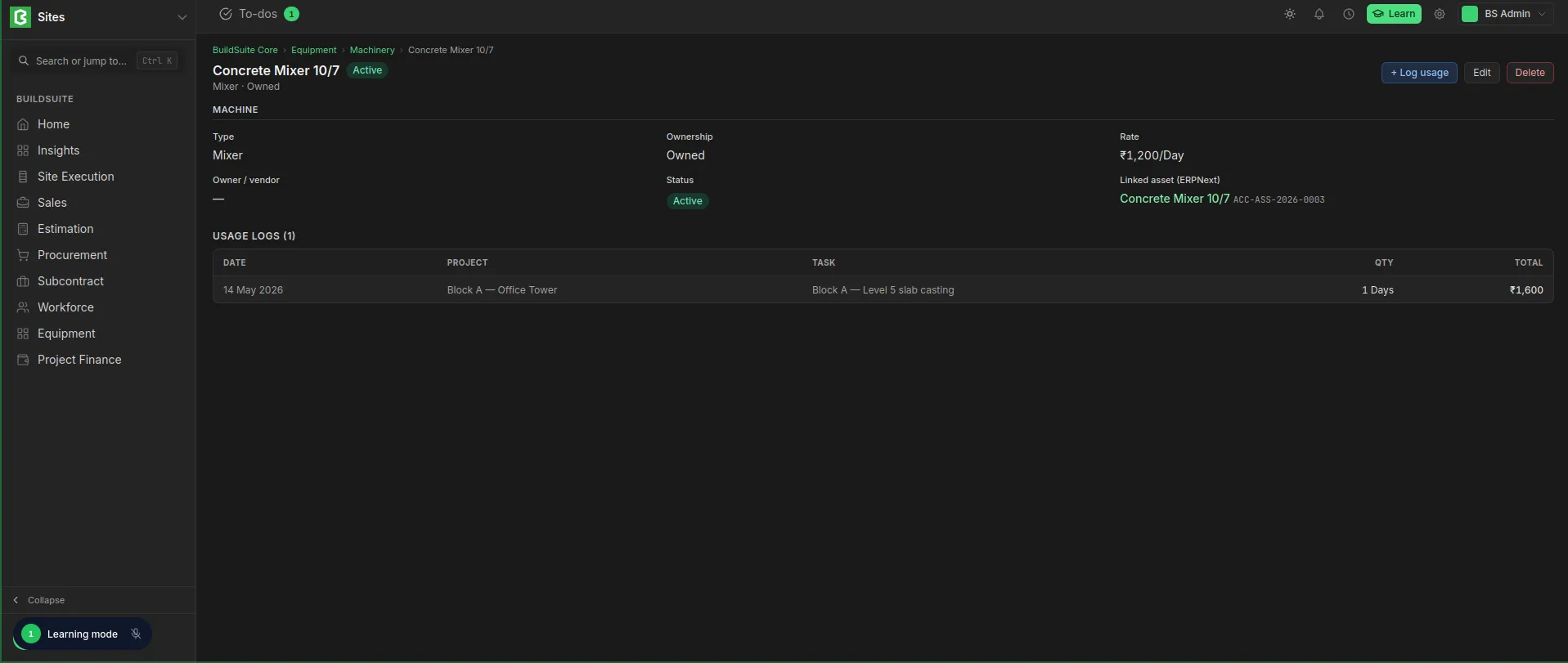 Register Detailed View
Create and Edit
Create: Go to Equipment → Equipment Register, click + New, fill in the fields and save.
Edit: Open the record, change the fields and save. To stop using a machine, set it to Inactive instead of deleting it.
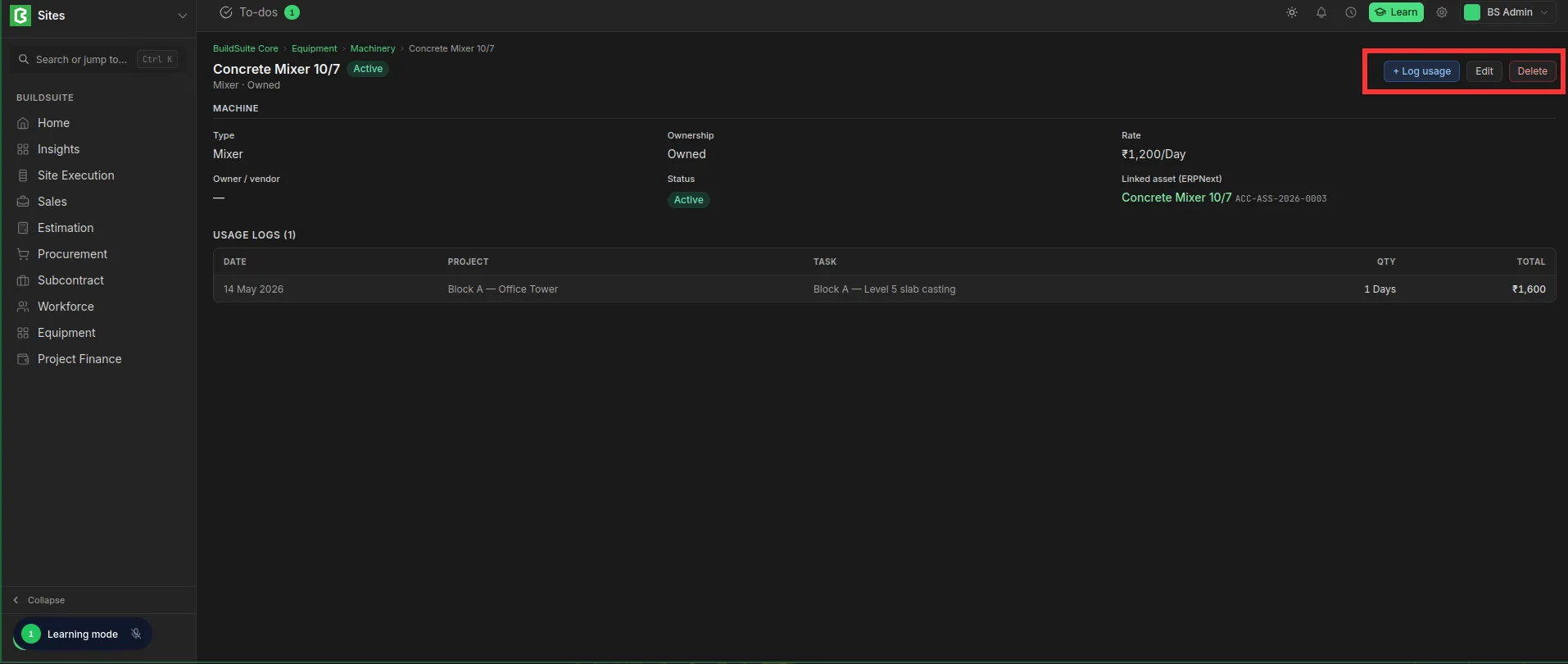 Edit and Delete Option
Last updated 1 day ago
Was this helpful?